How Much Time Are You Wasting Preparing the Same Contractor Sworn Statement Draw to Draw — Same Project?
What If Preparing Your Next Progress Draw Didn't Mean Starting Over? Shift Entire Columns With One Click, Reduce Repetitive Data Entry and Typing Errors, and Complete Your Contractor Sworn Statement Using Only the Free Adobe Reader.
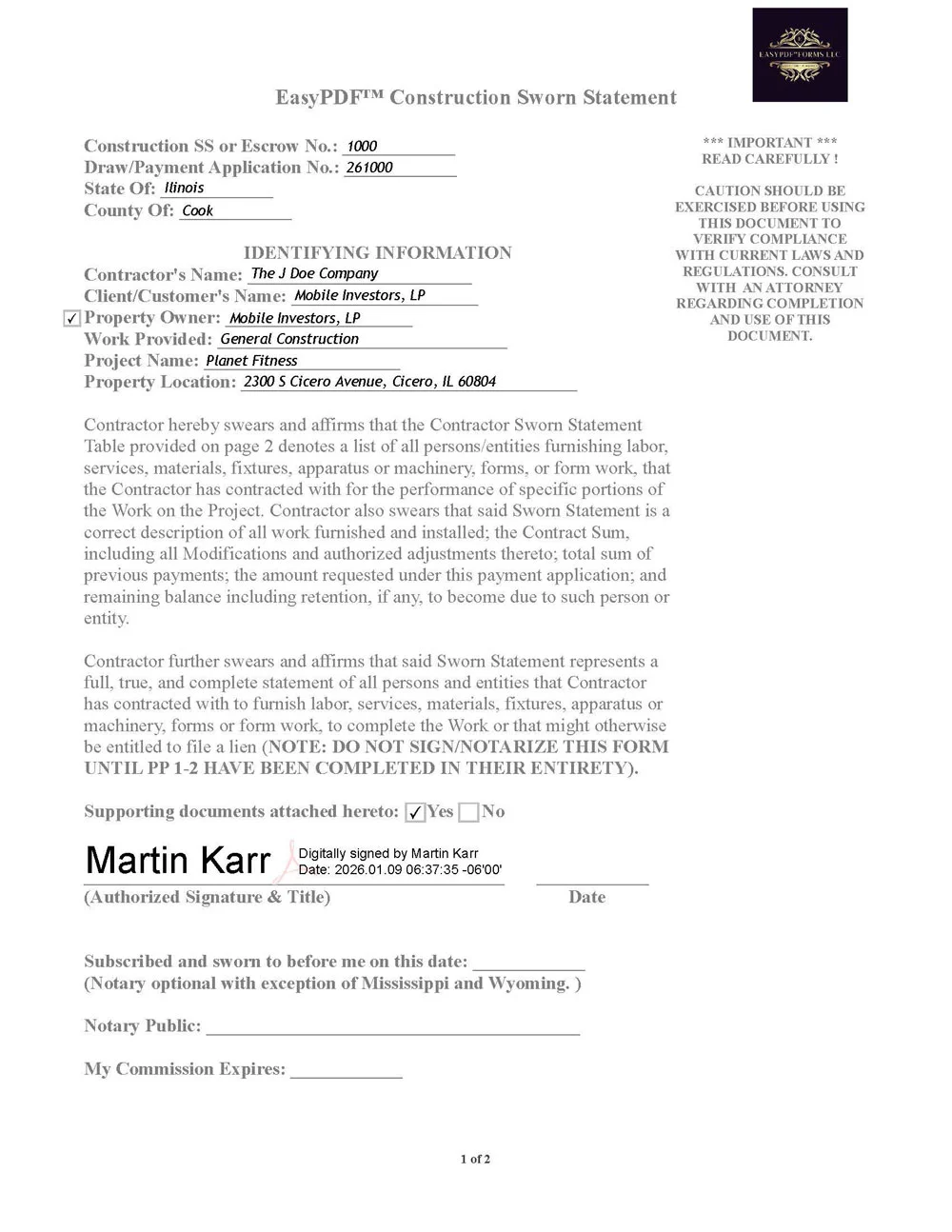
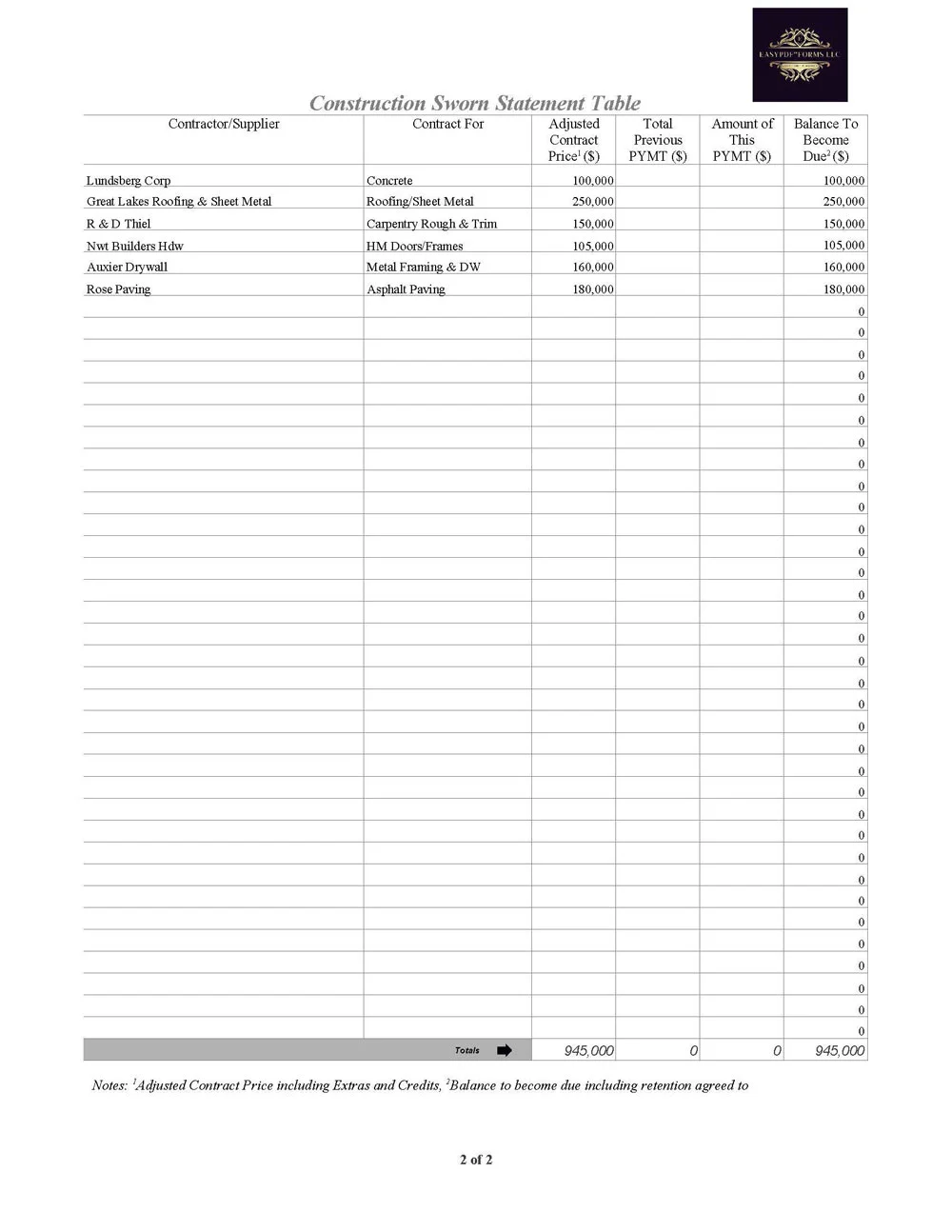
Watch several short YouTube videosPreparing a Contractor Sworn Statement with static templates or handwritten forms is time-consuming and prone to errors that can delay payment or create disputes. EasyPDF™ Contractor Sworn Statement provides a more accurate, repeatable approach—using interactive, auto-calculated fields and a structured layout to support consistent disclosure from draw to draw.
Designed for use with the free Adobe Reader, EasyPDF™ Contractor Sworn Statement allows contractors to complete sworn statements digitally, apply digital signatures, and securely deliver completed forms to owners, lenders, or title companies. Once finalized, forms can be locked or set to read-only to help preserve data integrity and maintain a consistent, professional presentation throughout the payment review process.
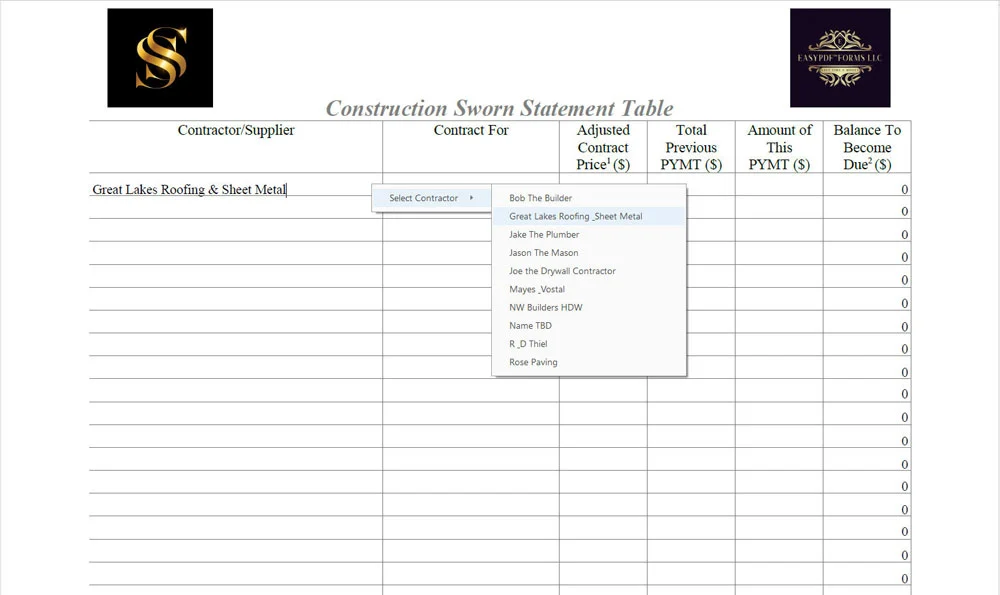
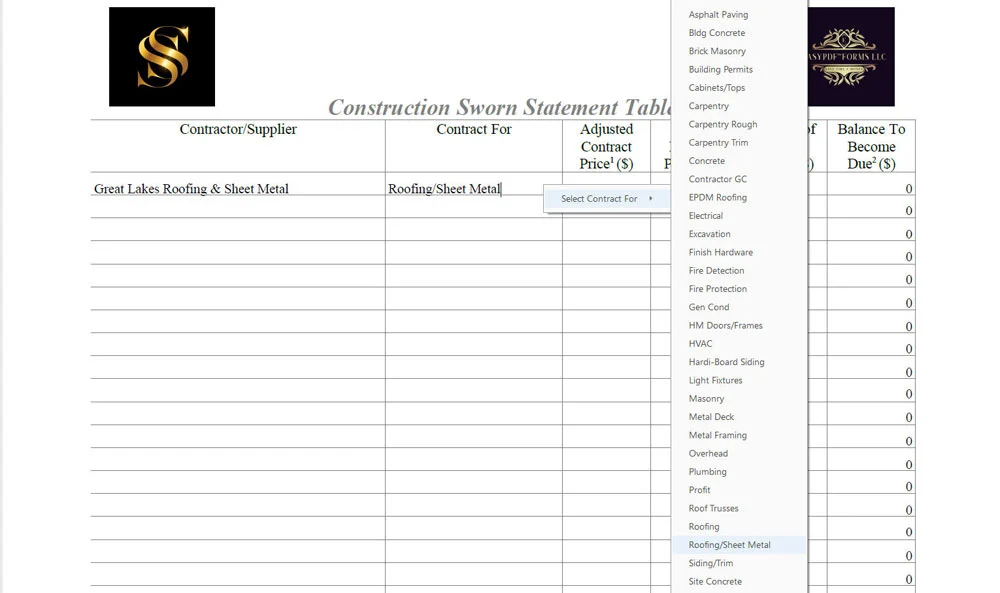
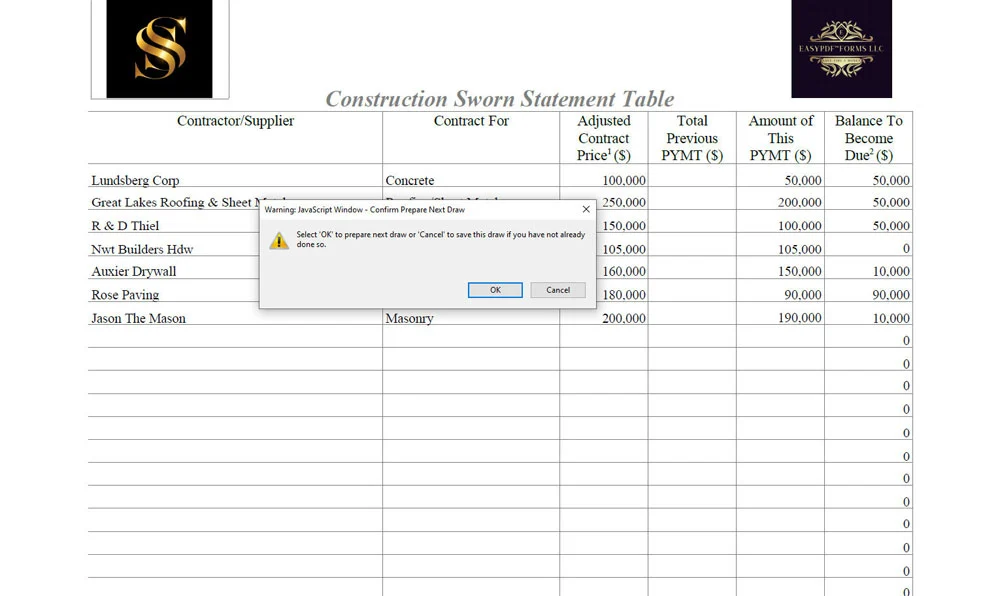
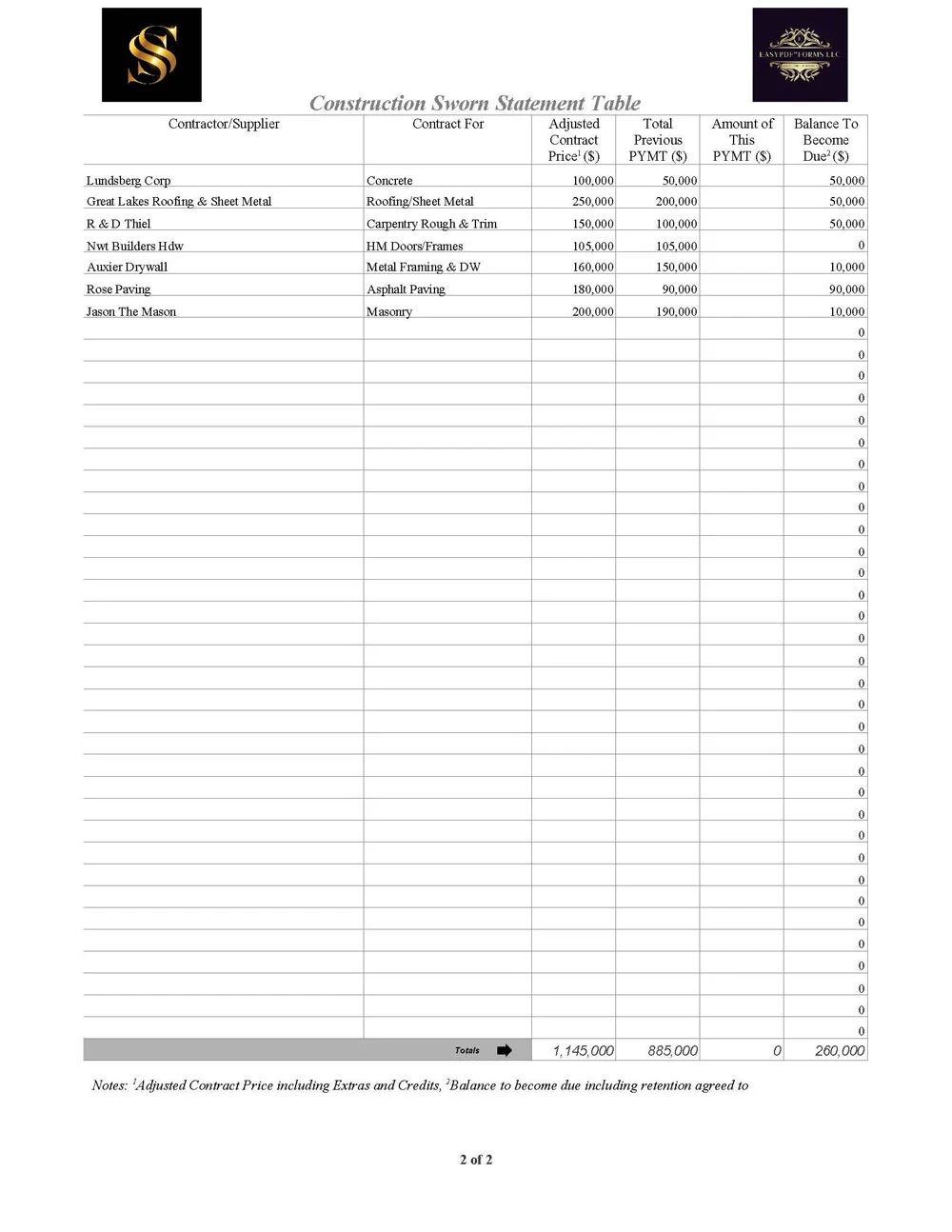
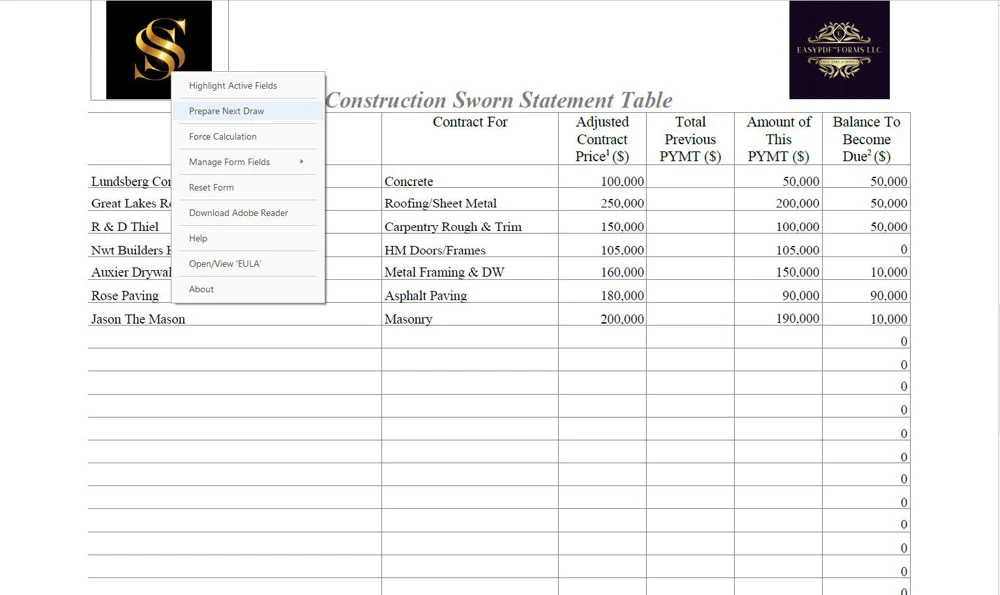
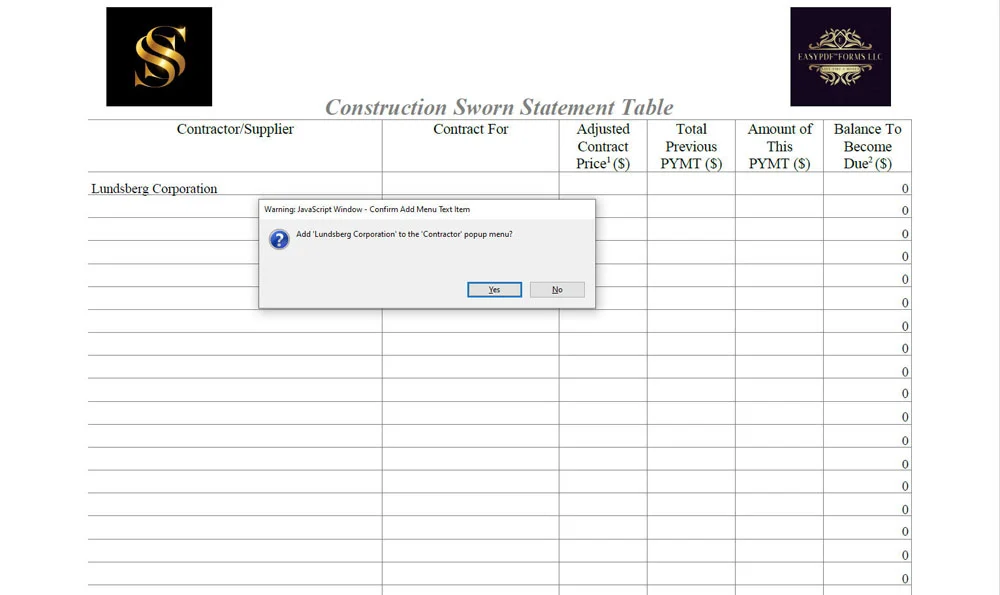
EasyPDF™ Contractor Sworn Statement also excels when preparing progress draws. Entire columns of figures can be shifted to the next column with a single click, dramatically reducing repetitive data entry from draw to draw. Predefined drop-down fields populate on the fly, minimizing typing, reducing typos, and allowing even complex sworn statements to be completed in record time compared to traditional methods or competing products.
Already have a Contractor Sworn Statement you prefer to use? You don't have to give it up. Send us your existing form and we'll create a FREE EasyPDF™ demonstration showing how that same familiar form could become faster, smarter, and easier to use while retaining its familiar appearance and layout wherever practical. See what your current form could become.
Contractor Sworn Statement — Examples
Key Features of EasyPDF™ Contractor Sworn Statement
- Multi-state, general-use Contractor Sworn Statement
- Interactive, auto-calculating PDF form fields
- Compatible with the free Adobe Reader
- Designed for residential, commercial, and public works projects
- One-click column shifting for fast draw preparation
- Drop-down fields to reduce typing and errors
- Supports digital signatures and secure email delivery
- Lockable / read-only option after completion
- Print-ready and e-file friendly output
- Lifetime / perpetual license—no subscriptions