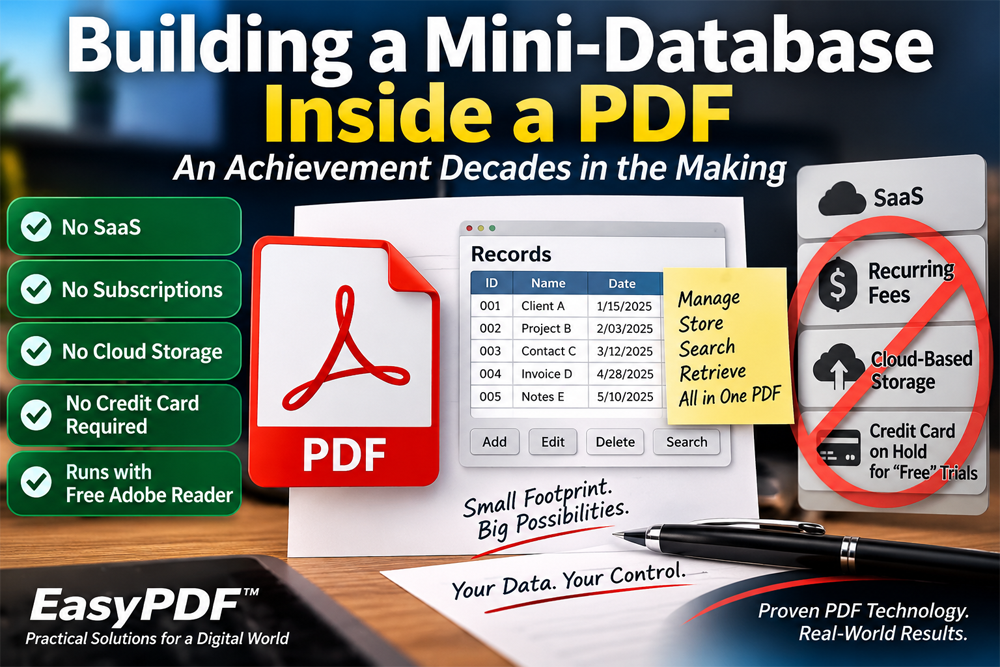
One of the achievements I am most proud of during more than three decades of developing interactive PDF applications is something that sounds deceptively simple, namely creating a mini-database capable of managing and storing records entirely within a 1-page PDF document. Moreover, it accomplishes this with a remarkably small footprint without sacrificing performance or speed expected of a practical desktop application. Perhaps most importantly, the finished application can operate using the free Adobe Reader. No SaaS platform is required. There are no recurring subscription fees, no cloud-based database, and no requirement that a user's records be stored in the Cloud on a server located in Timbukto. In the case of EasyPDF™ Forms, users can also try the software without having to place a credit card on hold simply to obtain a free trial.
Interestingly, the fundamental Acrobat technologies necessary to accomplish this task are not new and have literally been around and fully developed since 2007.
In reality, Acrobat JavaScript document and field methods including the JavaScript object, hidden form fields, and JSON together provide the building blocks needed to create a surprisingly capable record-management system within the PDF environment.
JSON, which became formally standardized in the year 2007, provides an exceptionally compact means of representing structured information. Combined with Acrobat JavaScript and carefully designed PDF form fields, it becomes possible to serialize records, store them within the document, retrieve them, modify them, delete them, search them, and repopulate visible form fields when needed.
Instead of treating a PDF as merely an electronic version of a paper form, I began treating it as an application environment that changed everything.
A Database Without a Conventional Database
The mini-database I eventually developed was not originally conceived simply as an alternative to using a conventional database. It grew out of my search for a practical replacement for the database connectivity Acrobat once provided through its ODBC driver.
Beginning in 2005, Acrobat's ODBC connectivity made it possible for a PDF form to communicate with relational databases such as Microsoft Access, MySQL, and similar database systems. When that capability was later removed in 2010, so too was the means I had relied upon to connect an Acrobat PDF form directly to an external database.
For years afterward, I looked for another way to accomplish essentially the same thing.
As it turned out, the pieces of the solution were gradually falling into place whereby Acrobat JavaScript already provided the methods and programming environment while the JavaScript object provided an efficient structure for organizing and manipulating records. Then in 2007, the last piece of the puzzle, JSON, became fully developed but unfortunately remained a technology I would not become aware of until 2020 providing the means to convert structured records into data that could be stored and subsequently reconstructed.
Once I recognized how these technologies could work together, an external relational database was no longer necessary for the kinds of applications I wanted to create.
Instead, the PDF itself could effectively serve as both a front and back end of a compact record-management application.
The objective was not to duplicate the scale or complexity of Microsoft Access, MySQL, or another full-scale relational database system. It was to create an Acrobat PDF application capable of managing the relatively modest number of records required by applications such as the EasyPDF™ Medication Manager, Digital Rolodex, Password Manager, and Smart Invoice. For applications of that scale, introducing a database server, cloud service, user account, subscription, or external storage system would have created considerably more infrastructure than the application actually required.
The solution was therefore to keep the data with the application—within a PDF consisting of no more than 1-2 pages.
A JavaScript object provides the working structure required to create and manage the records. JSON converts those structured records into a compact format, while one or more hidden PDF form fields provide the persistent internal storage needed when the application is inactive. Acrobat JavaScript ties everything together by controlling how records are created, retrieved, updated, displayed, searched, and deleted.
The result is what I refer to as a mini-database in PDF format.
Small Footprint, Surprisingly Capable
One of my principal concerns throughout development was efficiency.
It would have been relatively easy to create something that technically worked but became increasingly cumbersome as records accumulated. The more difficult challenge was developing an architecture that remained responsive while keeping the amount of stored information relatively small.
That required considerably more than simply knowing how to write a few JavaScript statements.
Record structures had to be designed carefully. Reusable helper functions had to be developed. Data needed to be serialized and restored reliably. Form fields needed to interact with the underlying records without unnecessary duplication. Error conditions had to be anticipated. And the entire system had to remain understandable enough to maintain and improve years later.
That development process eventually became part of the engineering philosophy behind the EasyPDF™ family of interactive PDF applications.
Why Keep Everything Local?
Unfortunately, much of the software industry today has moved in the opposite direction.
Software increasingly operates through web browsers. Data is routinely stored in the cloud. Monthly and annual subscriptions have replaced many perpetual software licenses not to mention many free trials require customers to place a credit card on hold before they can determine whether a software product can deliver as advertised and is suitable for their needs.
While there are legitimate reasons for those business and technical models, and while cloud-based applications are clearly appropriate for many purposes, in reality, they aren't necessary for everything.
For a user who simply wants a specialized desktop application and prefers to keep personal or business records locally, a self-contained PDF application offers a very different secure proposition
There is no remote database to maintain. No cloud account is necessary for storing the application's records. No continuing subscription is required merely to continue using software that has already been purchased.
The PDF itself becomes both the application interface and the container for its structured data.
Hiding in Plain Sight
Perhaps the greatest irony is that many of the underlying technologies required to create this Acrobat mini-database application have been available for a very long time. In short, while the individual pieces represented the building blocks, the real challenge was figuring out how to combine them into a practical architecture.
After performing my own due diligence and searching the Internet for comparable implementations, I have yet to find another publicly documented mini- database in PDF format comparable to the architecture I developed using Acrobat JavaScript methods, the JavaScript object, and JSON to manage and store records within the PDF itself. However, that doesn't prove nobody else has ever attempted to create something similar, successful or not. It simply means I have yet to find documented evidence to the contrary.
And perhaps that is what I find most interesting about this Acrobat application structure/frameork.Innovation doesn't always require inventing a new programming language, database engine, or cloud platform. Sometimes it comes from looking differently at mature technologies that nobody else has yet bothered to do.
In my case, that meant looking at a PDF form and asking a different question.
Not simply: “What information can I collect with this form?”
But: “How much of an application can I build inside it?”
More than three decades after I began developing interactive PDF forms, answering that question remains one of the accomplishments I am most proud of.